
 PonDashi Player Audio PRO
PonDashi Player Audio PRO was developed to meet the needs of every kind of show. Testers already working in professional productions shaped what went into it.
The advanced edition of PonDashi Player Audio. LTC (timecode) input and output are available as an option (sold separately).
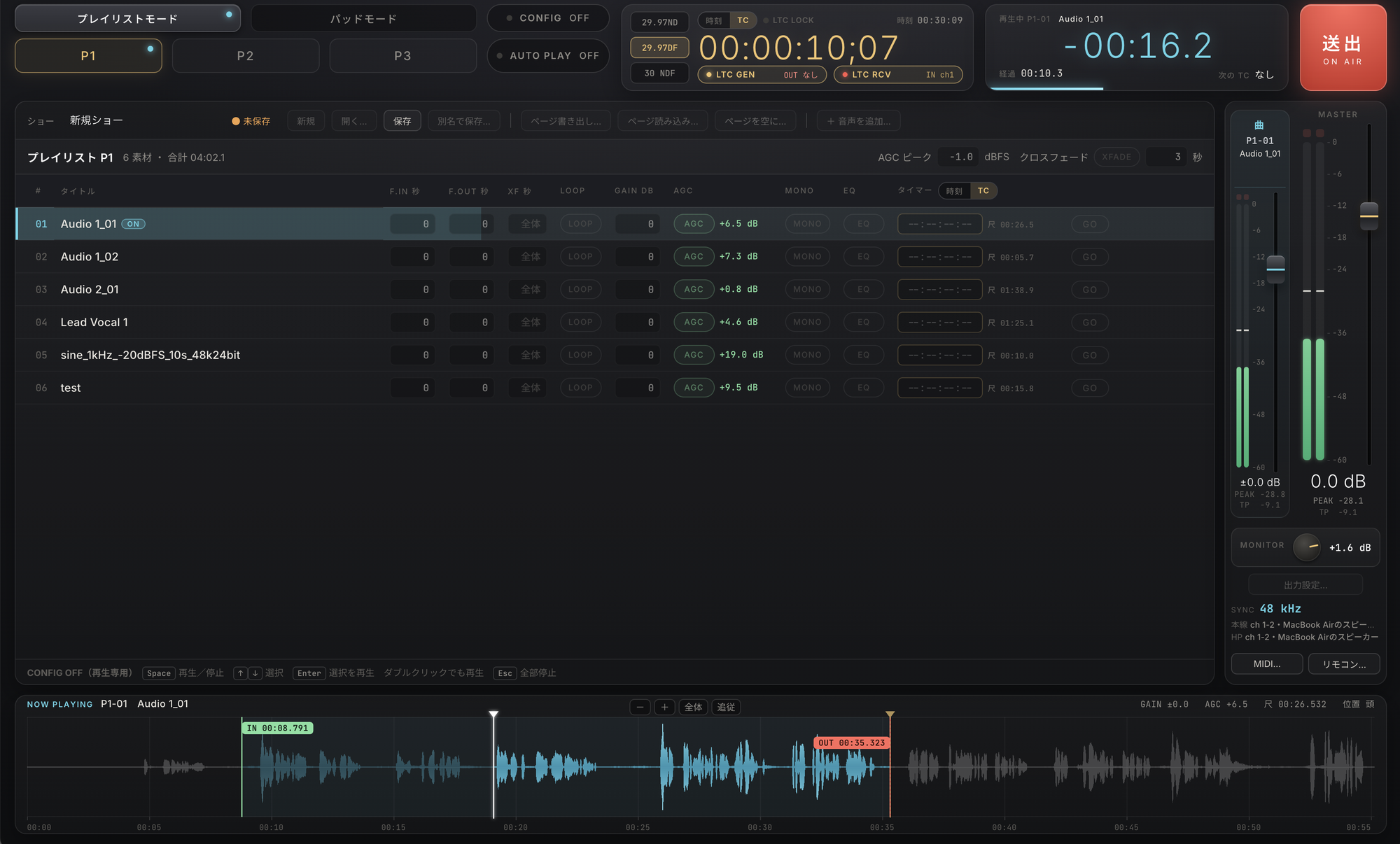
What PRO adds
Everything in PonDashi Player Audio is included. LTC input and output are an option (sold separately). (Interface in Japanese.)
- SoundProcessing
Native Core Audio
Native support for Core Audio on the Mac, with carefully designed internal processing for high-quality sound.
- RouteOUT buses
Output bus routing
Assign a destination for each output (OUT) bus.
- ReceiveLTC input (option)
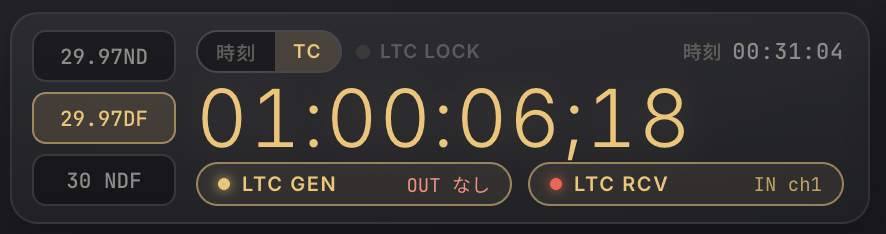
The timecode panel shows frame rate, lock status and I/O channels at a glance. Chase LTC
Receive LTC on an audio interface input and fire each cue exactly at the timecode set in its timer field.
Frame rates
Switch between 29.97 DF, 29.97 NDF, 30 and more.
- SendLTC output (option)
Generate LTC
Send timecode from a chosen output channel to sync lighting, video and other equipment.
- ControlRemote
Control it from iPhone and iPad
With the free remote app “PonDashi Remote”, fire pads, GO on the playlist, stop all and set the cue volume from your hand (coming soon to the App Store).
- FirePads
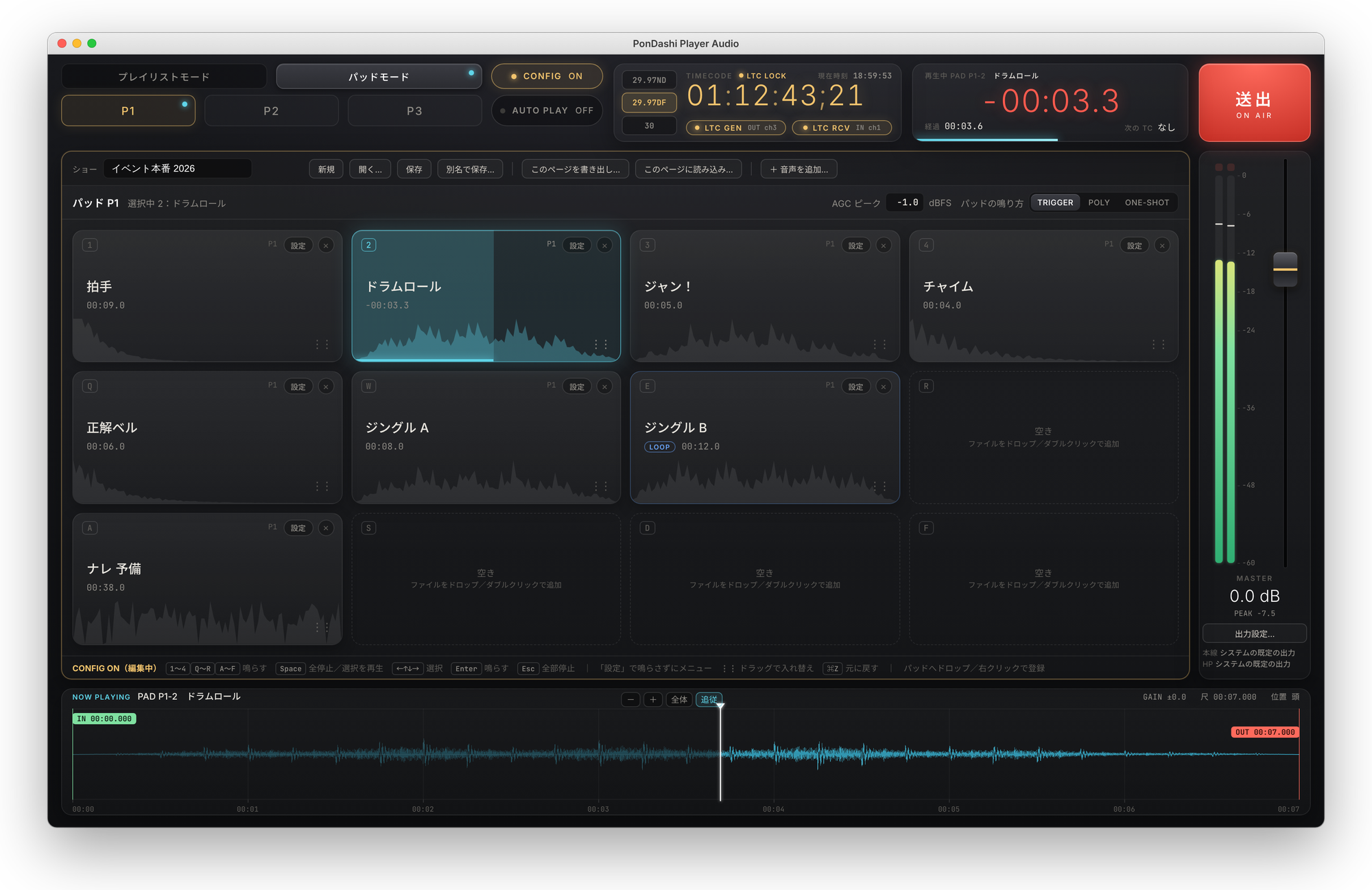
The timecode display stays visible while you play pads.